子代理
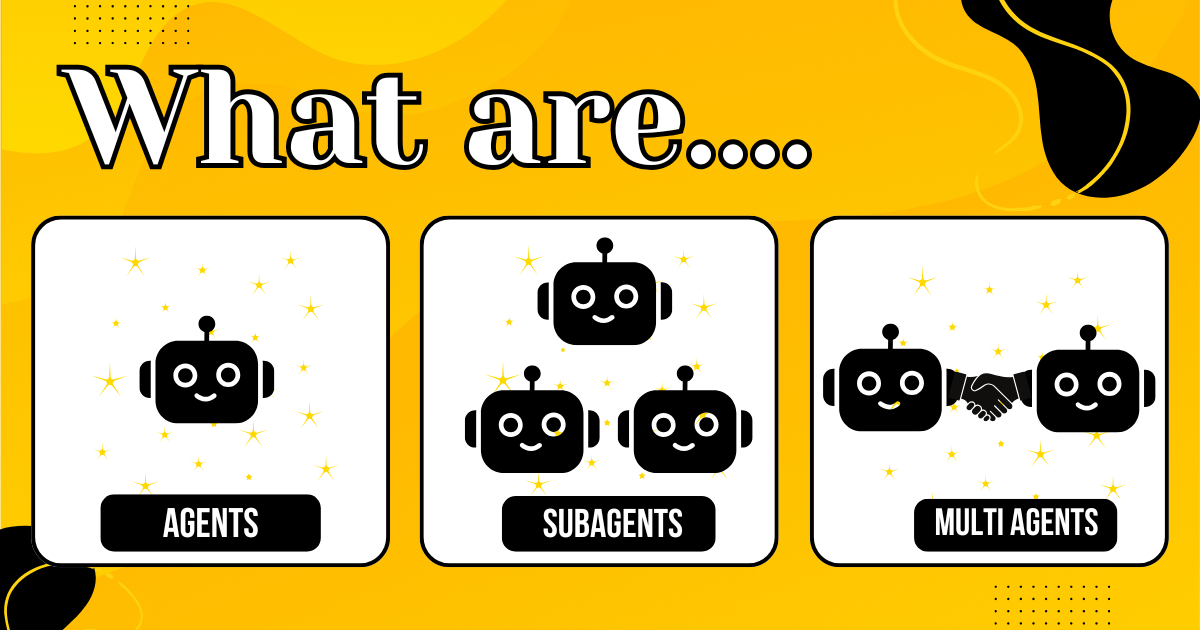
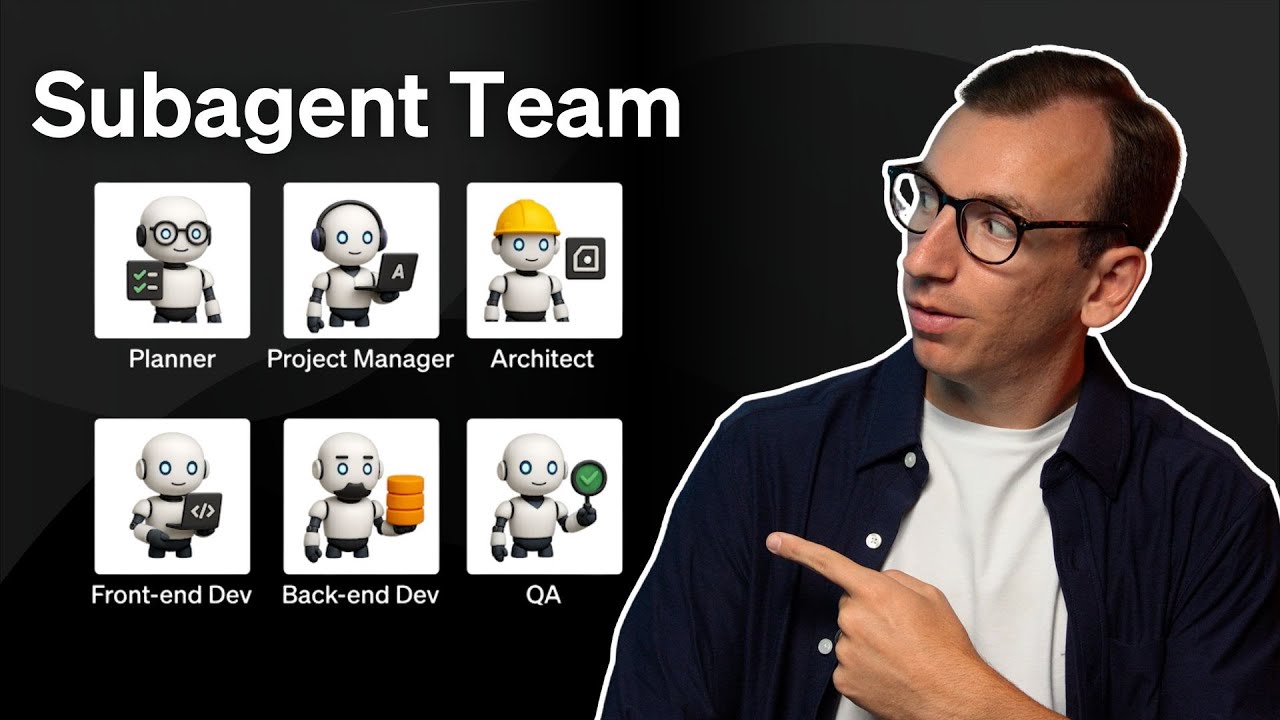
子代理是独立实例,在执行任务的同时保持主对话干净、聚焦。可以把它们看作处理特定工作的临时助手,通过把工作卸载到单独实例来实现进程隔离和上下文保留。
子代理演练
如何使用子代理
当 goose 判断子代理对你的任务有益时,可以自主决定使用它们——你并不总是需要明确请求。这在自主权限模式(默认)中自动发生。在手动批准、智能批准和仅聊天模式中,子代理被禁用。
要使用子代理,用自然语言请 goose 委派任务。goose 会自动决定何时生成子代理并处理它们的生命周期。你可以:
- 请求专门帮助:“用代码审查者分析此函数的安全问题”
- 引用特定配方:“用 ‘security-auditor’ 配方扫描此端点”
- 运行并行任务:“同时创建三个 HTML 模板”
- 委派复杂工作:“研究量子计算进展并总结发现”
- 控制扩展访问:“创建一个只带 developer 扩展的子代理来重构代码”
你可以顺序或并行运行多个子代理。
| 类型 | 说明 | 触发关键词 | 示例 |
|---|---|---|---|
| 顺序(默认) | 任务一个接一个执行 | “先……然后”、“之后” | "First analyze the code, then generate documentation" |
| 并行 | 任务同时执行 | “并行”、“同时”、“与此同时”、“并发” | "Create three HTML templates in parallel" |
监控子代理活动
当 goose 把工作委派给子代理时,你可以实时看到子代理的工具调用。这种透明度帮助你理解子代理在做什么,并确认它走在正确轨道上。
- goose Desktop
- goose CLI
子代理工具调用在对话中显示为可展开的部分。点击展开可查看每次工具调用的完整细节,包括:
- 正在调用的工具名称
- 传给工具的参数
- 工具输出和结果
子代理工具调用以内联方式显示,并用视觉指示展示工具名称和扩展。例如:
[subagent:16] text_editor | developer
每次工具调用显示:
- 子代理标识符(例如
subagent:16) - 工具名称(例如
text_editor) - 提供该工具的扩展(例如
developer)
如果子代理失败或超时(默认 5 分钟),你不会收到该子代理的输出。对于并行执行,如果任一子代理失败,你只会得到成功者的结果。
内部子代理
内部子代理会生成 goose 实例,使用当前会话的上下文和扩展来处理任务。配置和执行内部子代理有两种方式:
- 直接提示 - 使用自然语言指令的一次性快速任务
- 配方 - 用于专门子代理行为的可复用、结构化配置
直接提示
直接提示用于使用自然语言提示的一次性任务。主代理会根据你的请求自动配置子代理。
goose 提示:
"Use 2 subagents to create hello.html with 'Hello World' content and goodbye.html with 'Goodbye World' content in parallel"
工具输出:
{
  "execution_summary": {
    "total_tasks": 2,
    "successful_tasks": 2,
    "failed_tasks": 0,
    "execution_time_seconds": 16.2
  },
  "task_results": [
    {
      "task_id": "create_hello_html",
      "status": "success",
      "result": "Successfully created hello.html with Hello World content"
    },
    {
      "task_id": "create_goodbye_html",
      "status": "success",
      "result": "Successfully created goodbye.html with Goodbye World content"
    }
  ]
}
配方
使用配方文件为子代理定义特定指令、扩展和行为。配方提供可共享并按名称引用的可复用配置。
创建配方文件
code-reviewer.yaml
id: code-reviewer
version: 1.0.0
title: "Code Review Assistant"
description: "Specialized subagent for code quality and security analysis"
instructions: |
  You are a code review assistant. Analyze code and provide feedback on:
  - Code quality and readability
  - Security vulnerabilities
  - Performance issues
  - Best practices adherence
activities:
  - Analyze code structure
  - Check for security issues
  - Review performance patterns
extensions:
  - type: builtin
    name: developer
    display_name: Developer
    timeout: 300
    bundled: true
parameters:
  - key: focus_area
    input_type: string
    requirement: optional
    description: "Specific area to focus on (security, performance, readability, etc.)"
    default: "general"
prompt: |
  Please review the following code focusing on {{focus_area}} aspects.
  Provide specific, actionable feedback with examples.
把配方文件放在 goose 能找到的地方
- 把
GOOSE_RECIPE_PATH环境变量设为你的配方目录 - 或把它放在当前工作目录中
goose 提示
Use the "code-reviewer" recipe to analyze the authentication feature I implemented
goose 输出
I'll use your code-reviewer recipe to create a specialized subagent for this analysis.

🤖 Subagent created using code-reviewer recipe
💭 Analyzing authentication function for security issues...
🔧 Scanning code structure and patterns...
⚠️  Security vulnerabilities detected!

## Code Review Results

### Critical Issues Found:
1. **SQL Injection Vulnerability**: Direct string interpolation in SQL query
2. **Missing Password Hashing**: Plain text password comparison

### Recommendations:
- Use parameterized queries or ORM
- Implement proper password hashing (bcrypt, scrypt)
- Add input validation and sanitization
外部子代理
外部子代理让你引入来自其他提供商和平台的 AI 代理,使 goose 能够协调你的工作流并与更广泛的生态集成。在下面的示例中,我们通过把 Codex 作为 MCP 服务器运行来把它用作子代理:
goose 配置文件(.~/.config/goose/config.yaml ):
subagent:
  args:
  - mcp-server
  bundled: true
  cmd: codex
  description: OpenAI Codex CLI Subagent
  enabled: true
  env_keys:
  - OPENAI_API_KEY
  envs: {}
  name: subagent
  timeout: 300
  type: stdio
外部工具配置(~/.codex/config.toml):
# Use fast model for quick responses
# model = "codex-mini-latest"
disable_response_storage = true

# Never prompt for approval - auto-execute
approval_policy = "never"

[sandbox]
mode = "workspace-write"
goose 提示:
"Use the codex subagent to analyze my codebase structure and identify the main components"
goose 输出:
Based on my analysis of your codebase, here are the main components:

1. **Core Agent System** (`crates/goose/src/agents/`)
   - Agent orchestration and session management
   - Tool execution framework
   - Extension system integration

2. **CLI Interface** (`crates/goose-cli/`)
   - Command-line interface and session handling
   - Configuration management

3. **ACP Server** (`crates/goose/src/acp/`)
   - Agent Client Protocol endpoints
   - HTTP/WebSocket communication for real-time interaction

4. **Desktop UI** (`ui/desktop/`)
   - Electron-based desktop application
   - TypeScript frontend with React components

The architecture follows a modular design with clear separation between the core agent logic, interfaces, and UI components.
建议的用例
独立操作
- 创建多个结构相似的文件
- 基本的数据处理任务
- 文件转换和生成
上下文保留
- 会产生大量工具输出的复杂分析
- 更适合由专用代理处理的专门任务
- 让主对话聚焦于高层决策
进程隔离
- 可能失败但不影响主工作流的任务
- 需要不同配置的操作
- 实验性或探索性工作
生命周期与清理
子代理是只在任务执行期间存在的临时实例。任务完成后,无需手动干预即可清理。
配置
子代理使用以下预配置设置,但你可以在提示词中用自然语言覆盖任何默认值。
默认设置
| 参数 | 默认值 | 如何自定义 |
|---|---|---|
| 最大轮次 | 25 | 使用自然语言,设置 GOOSE_SUBAGENT_MAX_TURNS,或在配方或子代理工具调用中配置 settings.max_turns |
| 超时 | 5 分钟 | 在提示词中请求更长的超时 |
| 扩展 | 从父级继承 | 在提示词中指定要使用的扩展 |
| 返回模式 | 在主会话中提供全部子代理信息 | 在提示词中指定你想要多少细节 |
你也可以编辑 subagent_system.md 提示词模板来自定义子代理行为。
在提示词中自定义设置
你可以在自然语言请求中包含设置来覆盖任何默认值:
示例:
"Use subagents to analyze code, limit each to 5 turns"
"Use a research subagent with 30 turns and 20-minute timeout to investigate quantum computing trends"
环境变量: 设置 GOOSE_SUBAGENT_MAX_TURNS 可更改所有子代理的默认最大轮次。同样,GOOSE_SUBAGENT_MODEL 和 GOOSE_SUBAGENT_PROVIDER 设置子代理模型和提供商的默认值;配方 settings 优先于二者。
扩展控制
控制子代理可以访问哪些工具和能力。默认情况下,子代理从主会话继承所有扩展,但你可以出于安全、聚焦或性能原因限制访问。
delegate 和 load 工具由默认启用的 summon 平台扩展提供。如果你使用带有显式 extensions 块的配方,必须在该列表中包含 summon,否则 delegate 工具不可用:
extensions:
  - type: platform
    name: summon
  # ... your other extensions
定义了 sub_recipes 的配方会自动注入 summon。
示例:
"Create a subagent to write a summary, but don't give it file access"
"Use a subagent with only code editing tools to refactor main.py"
返回模式控制
选择 goose 在主会话中从子代理提供多少信息。
完整细节(默认): 查看所有工具执行和推理步骤
"Create a subagent to debug this issue - I want to see the full investigation process"
仅摘要: 只获取最终结果,以保持对话干净
"Use a subagent to research this topic and summarize the key findings"
安全约束
子代理以受限的工具访问运行,以确保安全执行并防止干扰主会话。
允许的操作
子代理可以访问这些安全操作:
- 扩展发现:搜索可用扩展,以了解有哪些工具可用
- 资源访问:从已启用的扩展读取和列出资源以获取上下文
- 扩展工具:使用配方中指定的、或从父会话继承的扩展工具
受限操作
以下操作被阻止,以确保子代理保持专注于分配的任务,而不影响更广泛的系统状态:
- 生成子代理:不能创建额外的子代理,以防止无限递归
- 扩展管理:不能启用、禁用或修改扩展,以避免与主会话冲突
- 调度管理:不能创建、修改或删除定时任务,以防止干扰父工作流
子代理可以浏览扩展以获取建议,但不能启用它们,以避免修改父会话。